Clever AI Humanizer vs QuillBot: Which Tool Is Better?
Clever AI Humanizer gives you far more room to rewrite text for free. QuillBot remains the stronger pick if you need a full writing suite rather than a focused humanizer.
Clever AI Humanizer wins this comparison for focused, no-cost humanization. It accepts up to 3,000 words per request with no fixed monthly allowance, while QuillBot's free humanizer stops at 125 words per run plus six daily uses. Choose QuillBot instead if its grammar checker, plagiarism tools, extensions, or broader editing workflow matter more than price.
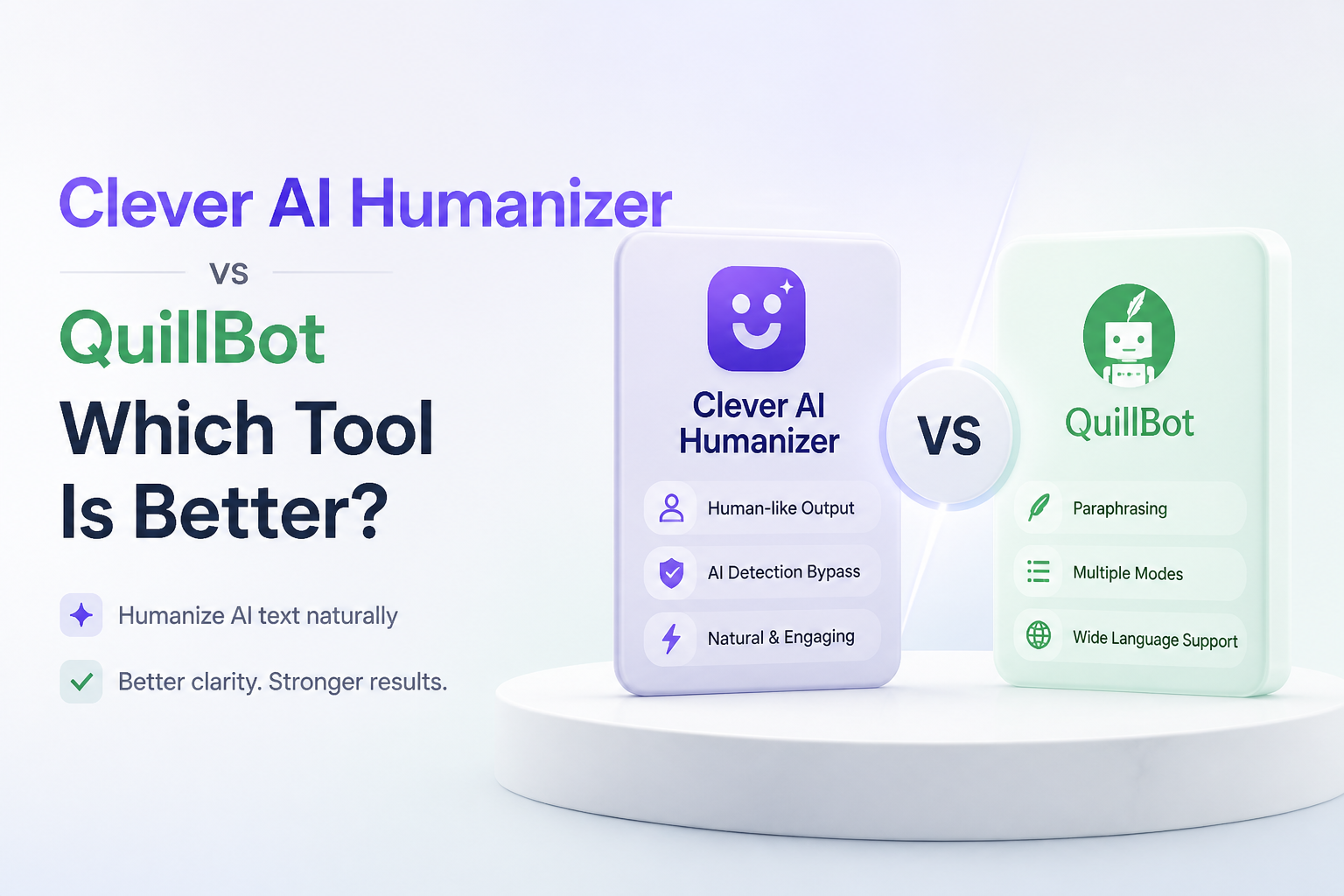
Clever AI Humanizer at a Glance
8.9/10Clever AI Humanizer is a browser tool that revises stiff AI-assisted drafts to create more varied, natural phrasing. Its main advantage over QuillBot is generous free use without a fixed monthly word pool.
Best forWriters with complete drafts who need longer free rewrites without buying a larger editing suite
- Up to 3,000 words per request
- No fixed monthly word allowance
- Multiple writing styles
- Optional saved rewrite history
- English, Spanish, plus Portuguese support
- Large free request size
- Simple browser workflow
- No forced subscription
- May make a draft longer
- Needs fact checking after every rewrite
- QuillBot has more companion tools
Clever AI Humanizer Performance Across Our Five Review Categories
01 Humanization Quality
Less mechanical without forced mistakes
9.1/10
Humanization Quality
Less mechanical without forced mistakes
Clever AI Humanizer does its best work on stiff drafts with repetitive transitions, evenly sized sentences, or an overly polished tone. It makes broader structural changes than a basic synonym swapper, so the result usually feels less like a lightly edited chatbot response.
The output still needs a careful read. Longer passages can gain extra words, while a sentence may occasionally drift from the writer's intended emphasis. No humanizer can promise a particular detector result, so readability plus factual accuracy should remain the final test.
- Reshapes repetitive sentence patterns
- Avoids deliberate typos as a default tactic
- Handles formal drafts without forcing heavy slang
- Produces readable output on common text types
- May expand the original word count
- Detector results can differ between services
- Subtle emphasis can shift during a rewrite

02 Free Access
A meaningful limit rather than a tiny sample
9.6/10
Free Access
A meaningful limit rather than a tiny sample
This is where Clever pulls clearly ahead. The service currently allows up to 3,000 words per request, with no fixed monthly word allowance. An account is optional for humanizing, though signing in adds saved history.
QuillBot's free humanizer supports 125 words per use, six times per day. That is enough to inspect a paragraph, but awkward for a report, article, cover letter, or several pages of notes.
- Up to 3,000 words in one request
- No fixed monthly allowance
- Core humanizer works without payment
- Account is not required for a quick rewrite
- Service availability can affect free processing
- Future paid features remain possible
03 Meaning Preservation
Reliable for clean source material
8.5/10
Meaning Preservation
Reliable for clean source material
Clever generally keeps the central point intact when the source draft is already accurate. It works less reliably as a rescue tool for muddled reasoning, missing evidence, or facts that were wrong before the rewrite.
QuillBot offers a little more hands-on refinement through synonym choices plus its surrounding editing tools. Clever is faster for a full-pass rewrite, though users should compare dates, names, quotations, figures, plus technical wording against the source.
- Usually retains the main argument
- Works well with complete first drafts
- Keeps formal material reasonably focused
- Cannot repair weak research
- Fine distinctions may need manual restoration
- Quotes plus technical terms require checking
04 Writing Workflow
Focused simplicity versus a larger toolbox
8.4/10
Writing Workflow
Focused simplicity versus a larger toolbox
Clever has a short workflow: paste the draft, pick a style, run the humanizer, then review the result. Saved history is available through a free account. The uncluttered approach suits someone who already has a complete draft.
QuillBot is more capable around the rewrite itself. Premium includes tone insights, humanization history, ChatGPT plus Gemini integration, grammar help, plagiarism checking, summarization, an AI detector, plus browser tools. That broader setup is useful, but it can be more than a person needs for occasional cleanup.
- Quick browser-based process
- Useful writing-style choices
- Optional history for returning users
- Little setup before the first run
- Fewer connected editing tools than QuillBot
- No replacement for detailed line editing
05 What It Costs
Clever wins if humanization is the main job
9.5/10
What It Costs
Clever wins if humanization is the main job
Clever AI Humanizer costs $0 for its core service, with up to 3,000 words per request plus no fixed monthly allowance. QuillBot also has a $0 plan, though humanizer use is limited to 125 words per run plus six uses daily.
QuillBot Premium is $8.33 per month when billed annually. That price makes sense for people who regularly use its complete toolset. It is harder to justify if the only task is humanizing a few drafts.
- Core Clever humanizer is free
- No subscription needed for long passages
- QuillBot offers a usable short-form trial
- QuillBot's best humanizer features require Premium
- Clever could introduce paid extras later
How We Compared Clever AI Humanizer With QuillBot
We compared the current free limits, paid pricing, browser workflow, rewrite controls, supported use cases, plus surrounding editing features listed by each service in August 2026. We also reviewed long-form user feedback to identify recurring issues such as word-count growth, inconsistent detector scores, plus the need for manual revision.
The scores give extra weight to readable output, meaning retention, practical free access, plus how much cleanup a typical rewrite requires. Detector claims received less weight because results vary by checker, source text, length, plus future model updates.
When Clever AI Humanizer Is the Wrong Tool for Your Draft
Do not use Clever as a substitute for research, original analysis, or a final factual review. If the source includes medical guidance, legal wording, product specifications, citations, quotations, or numerical claims, verify every important detail after processing.
It is also a poor fit where school or workplace rules prohibit undisclosed AI assistance. Humanizing text changes its phrasing, not its authorship history or the rules that apply to it. In those situations, write the submission yourself or disclose assistance as required.
Clever AI Humanizer vs QuillBot: How the Two Tools Scored
| Category | Performance | Score |
|---|---|---|
| 01 Humanization Quality | 9.1/10 | |
| 02 Free Access | 9.6/10 | |
| 03 Meaning Preservation | 8.5/10 | |
| 04 Writing Workflow | 8.4/10 | |
| 05 What It Costs | 9.5/10 |
What Reddit Users Report About Clever AI Humanizer
The thread author ranked Clever as the strongest free option in a multi-tool benchmark, citing solid GPTZero results plus a reasonable balance between detection scores, readability, plus cost.
A commenter recommended processing essays paragraph by paragraph, then manually reviewing each section before checking any detector score.
One later commenter said their Clever output was still flagged by several detection services, which shows how quickly results can change across text samples or detector updates.
Another user described Clever as useful most of the time, though occasional manual tweaks were still necessary.
Should You Pick Clever AI Humanizer Over QuillBot?
Clever AI Humanizer is the better choice for most people who specifically need a humanizer, especially when the draft is longer than a few paragraphs. Its 3,000-word request limit plus $0 price leave QuillBot's free tier looking cramped.
Pick QuillBot if you want grammar checks, plagiarism tools, extensions, tone feedback, summarization, plus AI detection in one subscription. Skip both for final fact checking or policy-sensitive academic work, since a rewrite does not make inaccurate or prohibited material acceptable.
Test one representative paragraph first, compare it line by line with your source, then process the rest only if the voice plus meaning still fit.