Grammarly vs Clever AI Detector: What Tool to Choose in 2026?
Start with the job, not the score. Our pick favors a separate first-pass check, while the runner-up makes more sense for everyday editing.
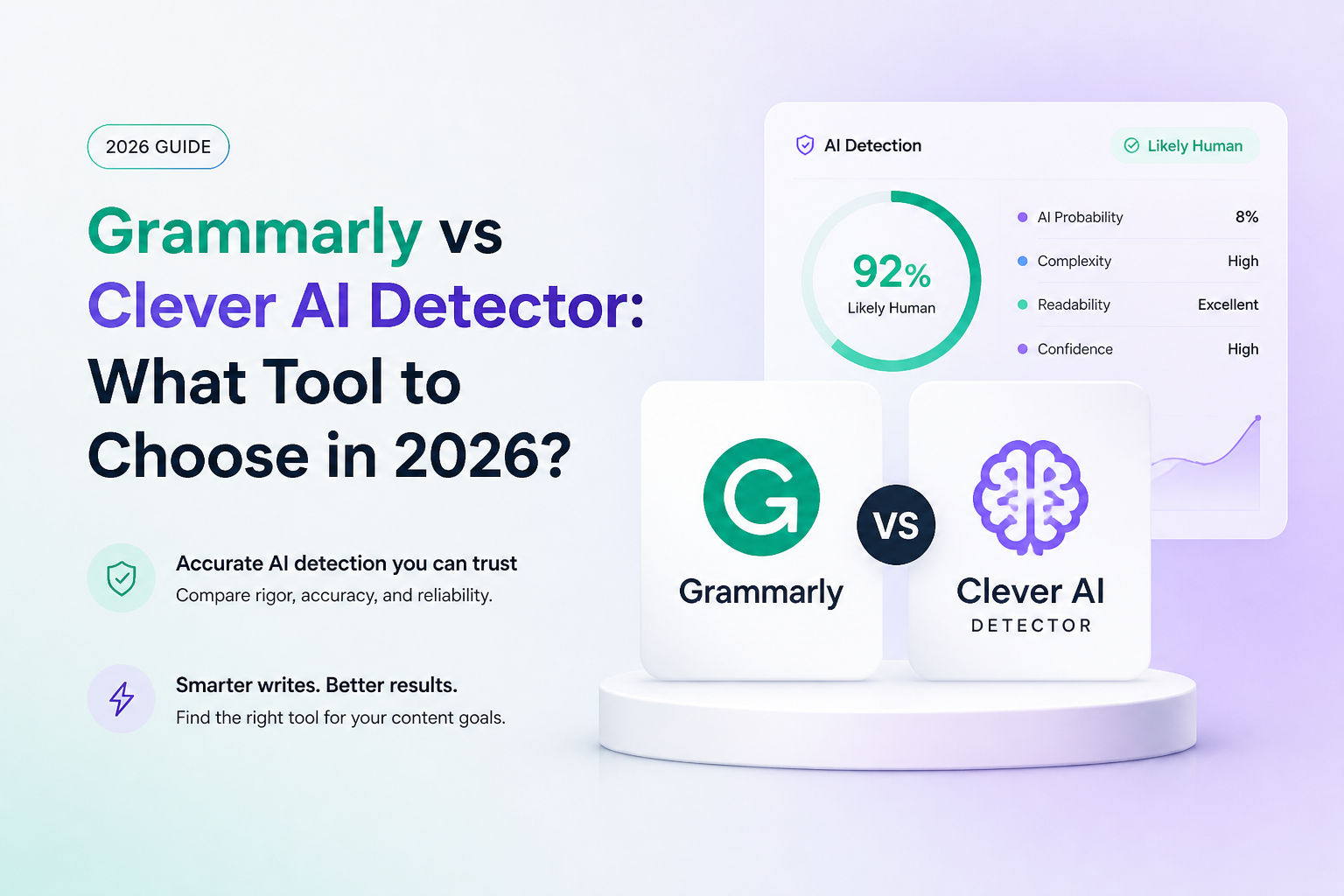
Clever AI Detector is our best overall choice for a detection-first task, especially when you don't want another subscription. Grammarly is our choice when improving the draft matters more than checking it. Ratings are editorial fit scores, not measured detection accuracy.
Clever AI Detector
8.8/10Best for: Editors who want a separate, no-cost first check before reviewing a submission
- No account needed for a check
- Sentence details included free
- Long-document allowance
Grammarly
8.3/10Best for: Writers who need ongoing proofreading more than a separate detector
- Free proofreading features
- Paid plagiarism checking
- Detection within supported documents
Side-by-Side Comparison
The practical split is a dedicated checker versus a writing suite. Prices below use published U.S. rates.
| Clever AI Detector 8.8/10 Visit ↗ | Grammarly 8.3/10 Visit ↗ | |
|---|---|---|
| Best for | Separate first-pass review | Everyday editing |
| Standout feature | Free sentence signals | Integrated writing help |
| Free access | Detector | Public detector, basic editing |
| Pricing | $0 | $0 or Pro $144/year |
| Platforms | Web | Web, Windows, Mac, browser extensions |
| Document workflow | Paste or upload | Public checker or paid integrations |
| Last verified version release | — | — |
Main Features Comparison
Clever entries describe its detector, not separate tools on the same site. Grammarly entries distinguish public access from paid suite features.
| Clever AI Detector 8.8/10 Visit ↗ | Grammarly 8.3/10 Visit ↗ | |
|---|---|---|
| Public web detector | ✓ | ✓ |
| Passage-level flags | ✓ | Paid integrations |
| Saved check history | Account required | Not verified |
| Grammar correction | Separate tool | ✓ |
| Plagiarism checking | Not listed | Paid |
| Google Docs detection | Not listed | Eligible paid plans |
| Microsoft Word detection | Not listed | Eligible paid plans |
How to Choose the Right Tool for Your Purpose?
Ask which task you repeat most often: reviewing incoming text or fixing your own draft.
Choose Clever AI Detector if…
- You want a review step, not a new writing environment.
- You prefer to keep editing separate from checking.
- You plan to read the submission yourself after seeing a flag.
Choose Grammarly if…
- Your main problem is unclear writing, not suspected AI use.
- You would rather stay in your document than copy text elsewhere.
- You can justify a subscription through regular editing work.
Strong and Weak Sides
A focused tool can be enough. Extra editing features matter only if you actually use them.
Clever AI Detector — where it wins
- No account needed for a check
- Sentence details included free
- Long-document allowance
Where it doesn't
- History requires signing in
- Published minimum excludes tiny snippets
- No verified accuracy win over Grammarly
Grammarly — where it wins
- Free proofreading features
- Paid plagiarism checking
- Detection within supported documents
Where it doesn't
- Integrated detection requires an eligible paid plan
- Monthly billing costs more over a full year
- Generative rewrites may themselves be flagged
Real Users’ Reviews
These are paraphrased public anecdotes, not controlled tests. One Clever opinion comes from a vendor-hosted forum.
Clever AI Detector Reviews
Reported that Clever labeled Genesis as human, though the remaining 5% AI score still raised questions for them. This was a single-passage experiment.
Said their small personal trial separated human writing from AI examples, including edited ones. They still questioned using detectors as proof.
Grammarly Reviews
Reported that Grammarly correctly labeled their Genesis sample as human. That observation does not establish broader accuracy.
Found the detector convenient because they already used Grammarly, but remained unsure that convenience made it the best choice.
Our Verdict
Clever AI Detector earns our 8.8/10 editorial fit rating for a detection-first task. We'd start there rather than buy a writing suite just to screen submissions. Grammarly earns 8.3/10 here, but it would be our pick for someone whose daily work is revising drafts. This ordering reflects that narrow use case, not a proven accuracy gap.
Save the original draft before checking it. Review any flag against the writer's notes or revision history before drawing a conclusion.