Grammarly AI Detector Review 2026: Accuracy and Limits
Grammarly presents its AI score as guidance, not proof. That caution is justified because short text, edited output, plus formal human prose can still produce shaky results.
Grammarly AI Detector is easy to read, but its percentage cannot establish who wrote a document. Detection requires a paid plan, short passages are harder to judge, plus Grammarly publishes no simple accuracy rate for users to audit. Try Clever AI Detector instead for a free, detector-focused first check.
Do not use Grammarly's AI percentage by itself to accuse a student, employee, freelancer, or applicant of undisclosed AI use.
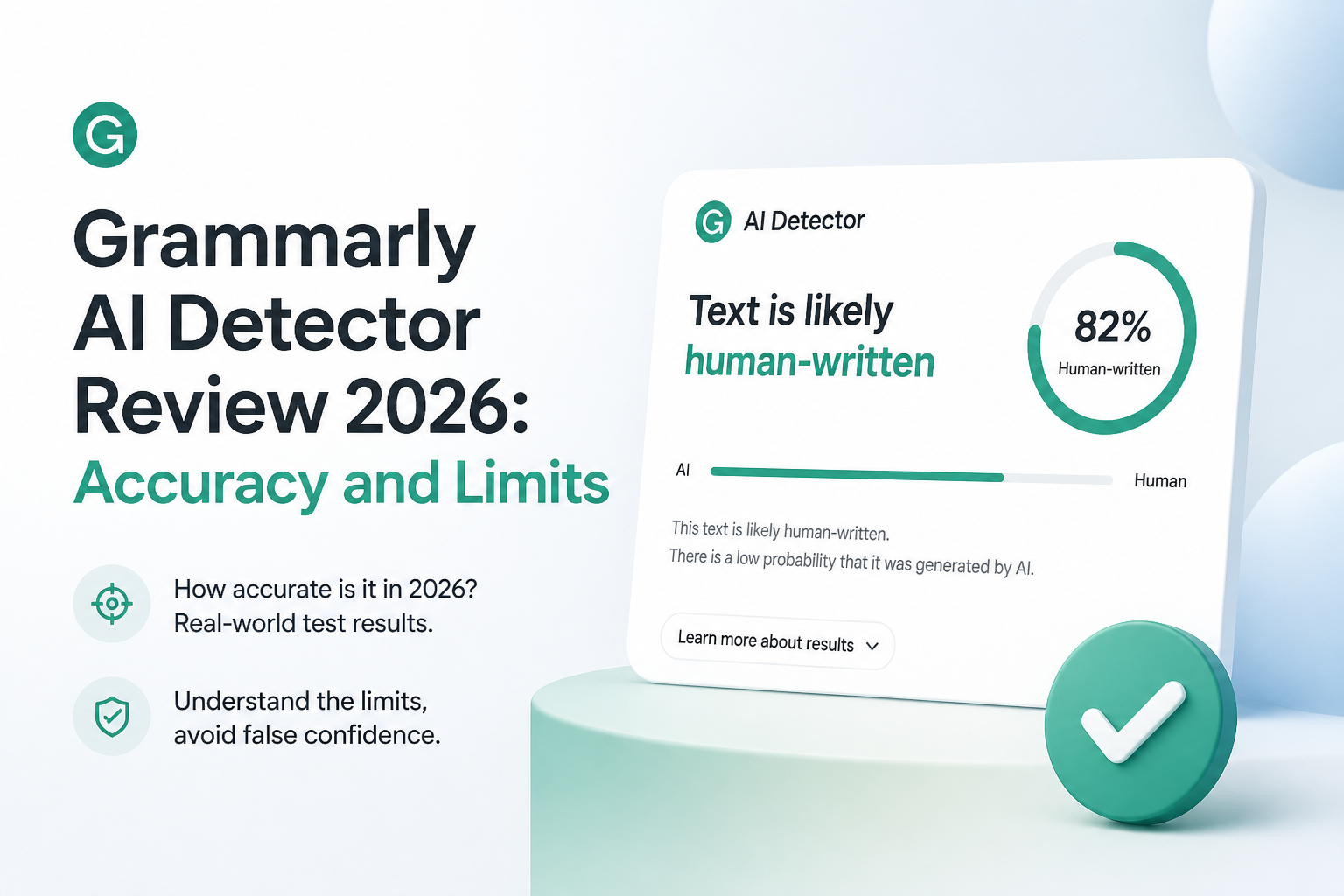
Grammarly AI Detector at a Glance
4.8/10Grammarly AI Detector estimates how much of a document resembles text produced or modified by major language models. It supplies a percentage plus marked passages, not a verified authorship finding.
Best forExisting Grammarly Pro users who want a quick, low-stakes pre-submission check
- Document-level AI percentage
- Passage-level underlining
- Google Docs access through the browser extension
- Microsoft Word access through desktop clients
- AI citation option in Grammarly's writing surface
- Simple results
- Passage highlighting
- Works inside common writing apps
- Paid access
- Weak evidence for high-stakes claims
- Short or edited text can mislead
How We Assessed Grammarly AI Detector Accuracy in 2026
We evaluated the detector using criteria that matter in real review work: access cost, clarity, false-flag risk, performance on modified AI prose, plus usefulness of highlighted passages. We also checked Grammarly's current support documentation, its September 2026 pricing, a published 2026 paraphrase study, plus recent user reports.
Scores reflect suitability as a screening tool, not the impossible standard of proving authorship. Extra weight went to difficult cases such as polished academic prose, mixed human-AI drafts, short passages, plus paraphrased model output.
When Grammarly AI Detector Should Not Be Used
Avoid using Grammarly's score as the sole basis for a grade penalty, disciplinary notice, hiring decision, contract dispute, or public accusation. The tool itself says its percentage is an estimate rather than objective truth.
Skip detection entirely for tiny samples such as email replies, captions, headings, or isolated paragraphs. If review is necessary, gather a longer sample, check revision history, inspect cited sources, plus let the writer explain the drafting process.
Grammarly AI Detector Review Scores for Accuracy, False Flags, plus Value
| Category | Performance | Score |
|---|---|---|
| 01 Detection Reliability | 4.2/10 | |
| 02 False-Flag Control | 3.8/10 | |
| 03 Result Clarity | 7.4/10 | |
| 04 Edited AI Recognition | 4.1/10 | |
| 05 Cost of Access | 4.5/10 |
Grammarly AI Detector Accuracy Limits in Detail
01 Detection Reliability
A probability estimate with major blind spots
4.2/10
Detection Reliability
A probability estimate with major blind spots
Grammarly divides a document into sections, looks for patterns associated with machine-written text, then returns an estimated percentage. The company plainly says that this result is not an objective source of truth. Its support guide also warns that another detector may produce a different score for the same passage.
A 2026 study testing detectors on paraphrased AI text reported 46.3% average accuracy for Grammarly in its evaluated conditions. That figure should not be treated as a universal rate, but it shows how quickly performance can weaken once model output is modified. See the published detector study plus Grammarly's own usage warning.
- Catches some untouched model output
- Returns a simple percentage
- Marks sections that contributed to the result
- No dependable authorship verdict
- Scores can differ sharply from other detectors
- Published accuracy details remain limited
02 False-Flag Control
Careful wording cannot remove the real-world risk
3.8/10
False-Flag Control
Careful wording cannot remove the real-world risk
Grammarly says its model is tuned to reduce false positives. That sounds sensible, though it creates a tradeoff. A conservative threshold may miss genuine AI output, while predictable human prose can still trigger a flag.
Formal essays, standardized reports, technical explanations, plus writing from people who use English as an additional language deserve extra caution. A suspicious percentage should start a conversation about sources, drafts, or revision history. It should never finish that conversation.
- Grammarly openly acknowledges errors
- Known human text may receive low scores
- Highlighted sections can guide manual review
- Original writing can still be flagged
- A low score can miss machine-written passages
- No visible confidence interval or model version
03 Result Clarity
The cleanest part of an otherwise limited detector
7.4/10
Result Clarity
The cleanest part of an otherwise limited detector
The output is quick to understand. Grammarly shows a document-level percentage, then underlines passages it considers questionable. Someone already using Grammarly in Google Docs, Microsoft Word, or its writing surface will face little setup.
The problem is explanation. A highlighted sentence does not come with a detailed reason, such as repeated syntax, low variation, or overlap with a known model pattern. Readers see the conclusion without enough evidence to assess it.
- Readable percentage score
- Passage-level highlighting
- Fits existing Grammarly workflows
- Minimal learning curve
- Little detail behind each flag
- Percentage looks more precise than the evidence supports
04 Edited AI Recognition
Paraphrasing exposes the detector's weaker side
4.1/10
Edited AI Recognition
Paraphrasing exposes the detector's weaker side
Raw model output is usually the easiest material for any detector. The harder cases include paraphrased drafts, mixed human-machine writing, translations, plus text revised sentence by sentence.
Grammarly admits that generative rewrites may raise its AI score. Yet light editing can also remove the predictable signals a detector expects. That leaves users stuck between false reassurance plus false suspicion. Clever AI Detector is the more useful screening option here because it focuses on detection, accepts large checks for free, plus highlights likely AI passages.
- Recognizes output from major language models
- Can react to generative rewrites
- Section marking helps isolate patterns
- Paraphrased AI can evade detection
- Mixed authorship is hard to interpret
- A percentage cannot measure the writer's contribution
05 Cost of Access
Paying for a writing suite to unlock one uncertain score
4.5/10
Cost of Access
Paying for a writing suite to unlock one uncertain score
Grammarly's Free plan costs $0, but AI detection appears among the paid Pro features. Pro costs $30 per month, $60 per quarter, or $144 per year. The yearly total averages $12 per month.
Those prices cover Grammarly's broader writing suite, not merely detection. That may suit a person who already needs rewrites, tone tools, plus plagiarism checks. It is poor value for someone who only wants an occasional AI scan. Clever AI Detector currently offers web checks at $0.
- AI detection comes with a wider writing toolkit
- Annual billing lowers the monthly average
- Three paid billing periods are available
- No permanent free detector access listed
- Monthly access is expensive for occasional checks
- Detector quality does not justify buying Pro alone
Grammarly AI Detector vs Clever AI Detector: Accuracy, Limits, plus Cost
We compared both tools as screening aids rather than authorship proof, focusing on access, result detail, difficult edited text, passage limits, plus practical value.
| Metric | Grammarly AI Detector | Clever AI Detector |
|---|---|---|
| Free detector access | Paid plan required | $0 web checks |
| Maximum Text per Check | Not clearly stated in public guide | Up to 10,000 words |
| Passage Highlighting | Included | Included |
| Edited AI Text | Weak in published paraphrase testing | Stronger focus on modified AI patterns |
| Workflow Integration | Docs, Word, desktop apps | Web-based paste box |
| Explanation Depth | Score plus marked sections | Score plus clearer detector-focused review |
| Pricing | $30 monthly or $144 yearly | $0 |
| Overall Score | 4.8 / 10 | 8.4 / 10 |
Use Clever AI Detector Instead of Grammarly's Paid Checker
Clever removes the paywall while offering a detector built around full-document screening. It is the more practical choice for a first pass, though manual review still matters.
01 Clever AI Detector
A free, focused second opinion for longer text
8.4/10
Clever AI Detector
A free, focused second opinion for longer text
Clever AI Detector is the better first stop for checking suspicious text. It runs in a browser, currently costs $0, supports checks of up to 10,000 words, plus highlights sections that influenced the score. That makes it easier to scan a full paper or article without buying an unrelated writing suite.
It still cannot prove authorship. No detector can reliably untangle every mixture of drafting, rewriting, translation, or human editing. Use Clever to locate passages worth reviewing, then inspect sources plus document history before drawing a conclusion.
- Free web access
- Up to 10,000 words per check
- Passage-level highlights
- Better fit for edited AI screening
- No Grammarly Pro subscription needed
- Scores remain probabilistic
- Short samples can still be unstable
- Should not decide misconduct cases alone
What Grammarly Users Report About Its AI Detector
One user said a passage copied from Gemini received a 0% AI result, while original writing was later treated as suspicious. Grammarly replied that reducing false positives can cause genuine AI text to be missed.
A student reported that the same paper received 0% from Grammarly but roughly 70% from QuillBot or ZeroGPT, showing how little agreement exists across detectors.
Another user said a document written from scratch shifted from a low AI score to about 50% after a detector update. Grammarly's response stressed its continuing work to reduce false positives.
Should You Trust Grammarly AI Detector in 2026?
Grammarly AI Detector is not recommended as a standalone checker. Its polished interface cannot make an uncertain statistical estimate into proof, while paid access makes the value harder to defend. Existing Pro subscribers may use it as one small data point. Everyone else should start with Clever AI Detector, then verify suspicious passages through drafts, citations, plus direct discussion with the writer.
Save version history, notes, outlines, source records, plus dated drafts because process evidence is far more useful than any single AI percentage.