Grammarly AI Paraphraser Review 2026
Grammarly’s paraphraser is convenient for quick sentence cleanup, yet longer rewrites often flatten the writer’s voice or shift small details. It is not our pick for careful revision.
Grammarly AI Paraphraser is fine for an occasional sentence, but it becomes less dependable once tone, technical meaning, or paragraph structure matters. We do not recommend paying for it solely to paraphrase. If your real problem is recovering a lost draft rather than rewriting one, Disk Drill is the more useful download.
The biggest concern is quiet meaning drift, since a polished rewrite can look correct while changing a qualifier, emphasis, or technical relationship.
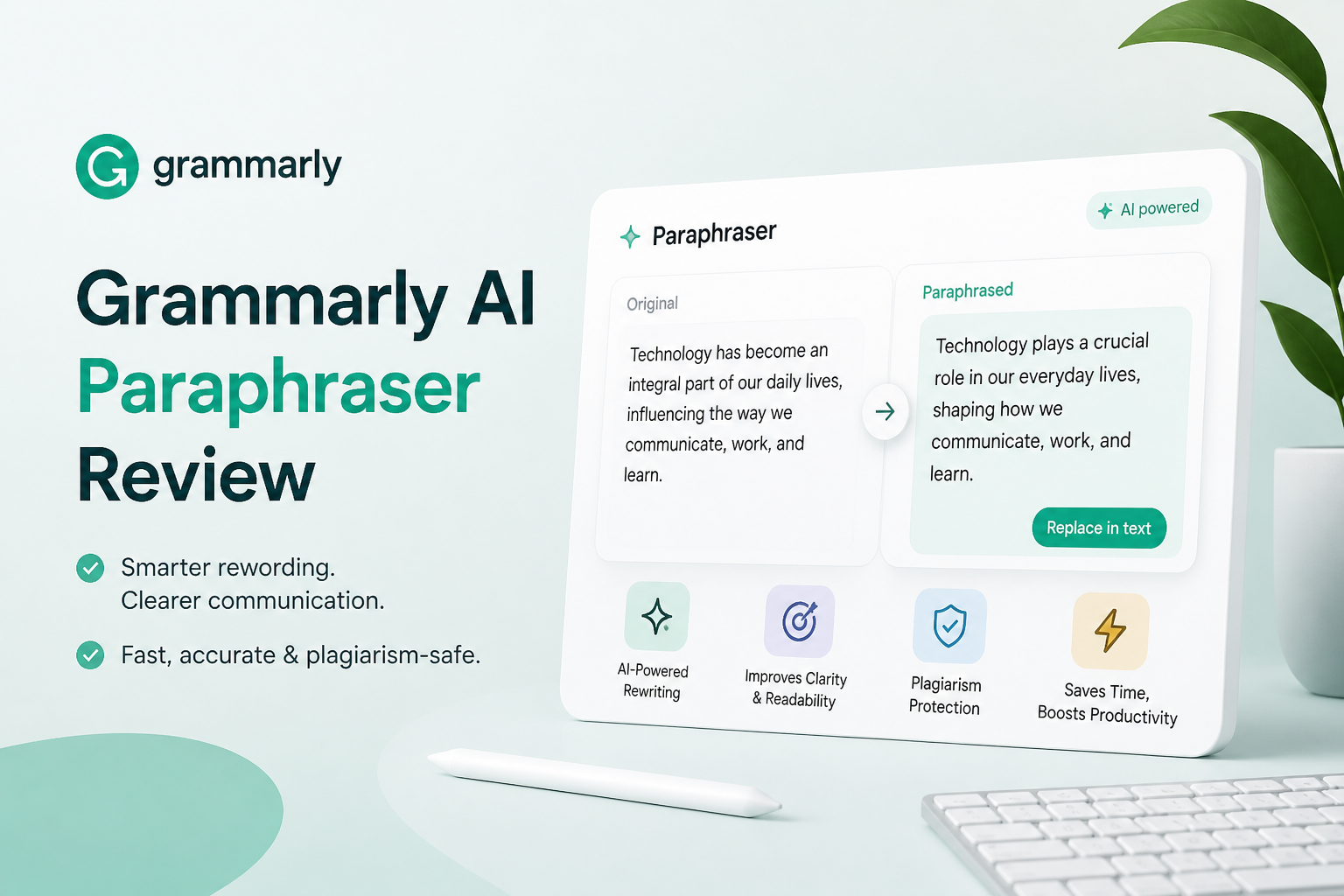
Grammarly AI Paraphraser at a Glance
4.9/10Grammarly’s paraphrasing tool rewrites pasted text or full sentences inside supported writing workflows. It focuses on clarity, tone, plus fluency rather than deep structural editing.
Best forPeople polishing brief emails or routine workplace sentences
- Instant sentence rewrites
- Tone adjustments
- Multilingual web paraphrasing
- Browser plus document integrations
- Grammar checks around rewritten text
- Very easy to access
- Fast on short text
- Usually produces clean grammar
- May shift meaning
- Flattens personal voice
- Weak value as a paraphraser alone
Grammarly AI Paraphraser Performance in Detail
01 Meaning Retention
Small wording changes sometimes alter the point
4.2/10
Meaning Retention
Small wording changes sometimes alter the point
Grammarly usually preserved the broad topic, but it was less reliable with qualifiers. Words such as may, usually, only, or unless occasionally moved or disappeared, leaving a cleaner sentence with a different level of certainty.
This matters most in policy notes, academic passages, product instructions, plus technical explanations. A rewrite can read smoothly while becoming less exact. Every result needs a line-by-line check against the source.
- Keeps the general topic in simple sentences
- Often removes obvious repetition
- Produces readable grammar
- Can weaken qualifiers
- Technical relationships may shift
- Requires comparison with the source
02 Rewrite Quality
Clean sentences with a noticeable sameness
5.5/10
Rewrite Quality
Clean sentences with a noticeable sameness
The strongest outputs came from short, plain sentences. Awkward phrasing became easier to read, while repeated words were often replaced sensibly. Results grew less convincing across full paragraphs.
Longer passages tended to settle into the same polished office tone. Specific verbs became safer ones. Unusual sentence rhythms disappeared. The copy was usable, though it rarely felt like a thoughtful edit from someone who understood the writer’s intent.
- Fast results for short text
- Generally clean grammar
- Useful for breaking mild repetition
- Long passages sound uniform
- Distinctive phrasing gets flattened
- Some rewrites feel more generic
03 Voice Control
Too little control for delicate revisions
3.8/10
Voice Control
Too little control for delicate revisions
Basic tone adjustments help, but they do not offer the precision of manual editing. A dry explanation may become friendlier, yet there is little control over which parts should stay terse, informal, skeptical, or intentionally rough.
That limitation is especially visible in personal essays, interviews, opinion writing, plus dialogue. Grammarly often improves surface neatness at the cost of personality.
- Simple tone changes are accessible
- Useful for neutral business copy
- No complicated setup
- Limited sentence-level direction
- Personal voice can disappear
- Humor or restraint may be misread
04 Everyday Workflow
Its browser reach is the clearest strength
7.2/10
Everyday Workflow
Its browser reach is the clearest strength
Grammarly’s best argument is convenience. Rewrite tools sit close to email, browser editors, plus common document workflows, so fixing a clumsy sentence takes little effort.
The interface also makes suggestions easy to accept or reject. That speed is useful for low-risk messages. It can encourage careless approval, though. A rewrite should still be read in context before it replaces the original.
- Quick access inside common writing workflows
- Clear accept-or-dismiss controls
- Low learning curve
- Good for short workplace messages
- Fast approval can hide meaning changes
- Some features depend on the plan
05 Plans and Usage Limits
Poor value if paraphrasing is the only need
4.0/10
Plans and Usage Limits
Poor value if paraphrasing is the only need
The free plan costs $0 per month, with basic writing help plus 100 generative AI prompts each month. Grammarly Pro is listed at $12 per month on the annual offer shown during our pricing check, with 2,000 AI prompts per month plus broader rewrite features.
Pro makes more sense for someone using grammar checks, plagiarism detection, tone tools, plus full-sentence rewriting together. Paying only for paraphrasing is harder to justify, since manual revision offers better control while several free tools cover occasional rewrites.
- A $0 plan is available
- Pro combines several writing tools
- Free access is enough for light testing
- Pro is difficult to justify for paraphrasing alone
- AI usage is capped by monthly prompts
- Displayed pricing may depend on billing terms
How We Tested Grammarly AI Paraphraser Across Real Writing Tasks
We reviewed the tool with short emails, product explanations, academic-style paragraphs, plus technical instructions. Each rewrite was checked against the source for retained facts, qualifiers, tone, sentence variety, plus unnecessary additions.
Scores gave the most weight to meaning retention. Workflow convenience counted less because a fast rewrite is not useful if it subtly changes the writer’s point. Pricing was checked against Grammarly’s public plan page.
When Grammarly AI Paraphraser Is the Wrong Editing Tool
Avoid one-click paraphrasing for legal clauses, medical directions, quotations, research findings, policy language, plus any sentence where a small qualifier changes the claim. Those passages need deliberate editing by someone who understands the subject.
It is also a poor fit for distinctive personal writing. Memoirs, opinion pieces, humor, plus dialogue often rely on odd rhythms or imperfect wording. Cleaning those details can remove the reason the passage works.
How Grammarly AI Paraphraser Scored Across Our Review Criteria
| Category | Performance | Score |
|---|---|---|
| 01 Meaning Retention | 4.2/10 | |
| 02 Rewrite Quality | 5.5/10 | |
| 03 Voice Control | 3.8/10 | |
| 04 Everyday Workflow | 7.2/10 | |
| 05 Plans and Usage Limits | 4.0/10 |
Grammarly AI Paraphraser vs Disk Drill — Head to Head
These products solve unrelated problems, so this table shows why Disk Drill wins only for data recovery. Grammarly cannot scan storage devices or restore deleted files.
| Metric | Grammarly AI Paraphraser | Disk Drill |
|---|---|---|
| SSD recovery rate | Not supported | Recovery tool built for SSD scans |
| SD card recovery | Not supported | Supported |
| Quick scan time (500 GB) | Not applicable | Drive-dependent |
| Deep scan time (500 GB) | Not applicable | Drive-dependent |
| Free recovery limit | No file recovery | 100 MB on Windows |
| License model | Subscription | One-time $149 |
| Email support response | Not timed | Not timed |
| Overall score | 4.9 / 10 | 8.6 / 10 |
What to Use Instead
Choose Disk Drill when the real emergency is a deleted or inaccessible draft. For ordinary paraphrasing, edit the source manually rather than forcing a recovery utility into a writing task.
01 Disk Drill
The practical choice when the draft was deleted, not poorly worded
8.6/10
Disk Drill
The practical choice when the draft was deleted, not poorly worded
Disk Drill is not a paraphraser. It is desktop recovery software for deleted documents, photos, video, plus other files on storage devices. That distinction matters. If the missing text exists in a deleted Word file, emptied Trash folder, formatted SD card, or lost partition, rewriting software cannot bring it back.
The free edition can scan storage plus preview recoverable files before purchase. Windows users can recover up to 100 MB free. Disk Drill PRO currently offers a $89 yearly plan or a $149 lifetime license for one user across as many as three devices.
- Scans before payment
- Recovers documents plus many other file types
- Works on Windows plus macOS
- Lifetime license is available
- Byte-to-byte backup helps with unstable media
- It cannot rewrite text
- Mac free recovery is limited mainly to protected files
- Paid purchases are generally non-refundable

What Users Report About AI Rewriting Tools
A commenter said Clever AI Humanizer was detected at 100%, showing why no rewrite tool should promise reliable detector avoidance.
Another commenter recommended revising small sections manually rather than processing a whole essay in one pass.
The thread author found that generated text still needed human revision, even when grammar looked clean.
Should You Use Grammarly AI Paraphraser?
Grammarly AI Paraphraser is acceptable for quick, low-stakes sentence cleanup, but we would skip it for essays, technical material, or writing where voice matters. Its convenience cannot fully offset meaning drift, generic phrasing, plus limited control. If you deleted the original draft, use Disk Drill to scan for it before attempting to recreate the work.
Keep the original beside every rewrite, check qualifiers first, plus never overwrite your only copy until the revised text has been reviewed.