QuillBot AI Detector Review 2026: Should You Try It?
QuillBot’s checker looks polished, yet its conservative scoring can let rewritten AI text slip through. The free plan’s scan limits make repeat checks more annoying than they need to be.
QuillBot AI Detector is fine for a quick second opinion, not a serious authorship decision. Its results can shift sharply after AI text is paraphrased or humanized. Clever AI Detector is the better everyday option because it offers sentence-level signals, a 10,000-word allowance per check, plus unlimited free scans.
The biggest risk is treating a confident-looking percentage as proof, especially when edited AI text or highly polished human writing is involved.
QuillBot AI Detector at a Glance
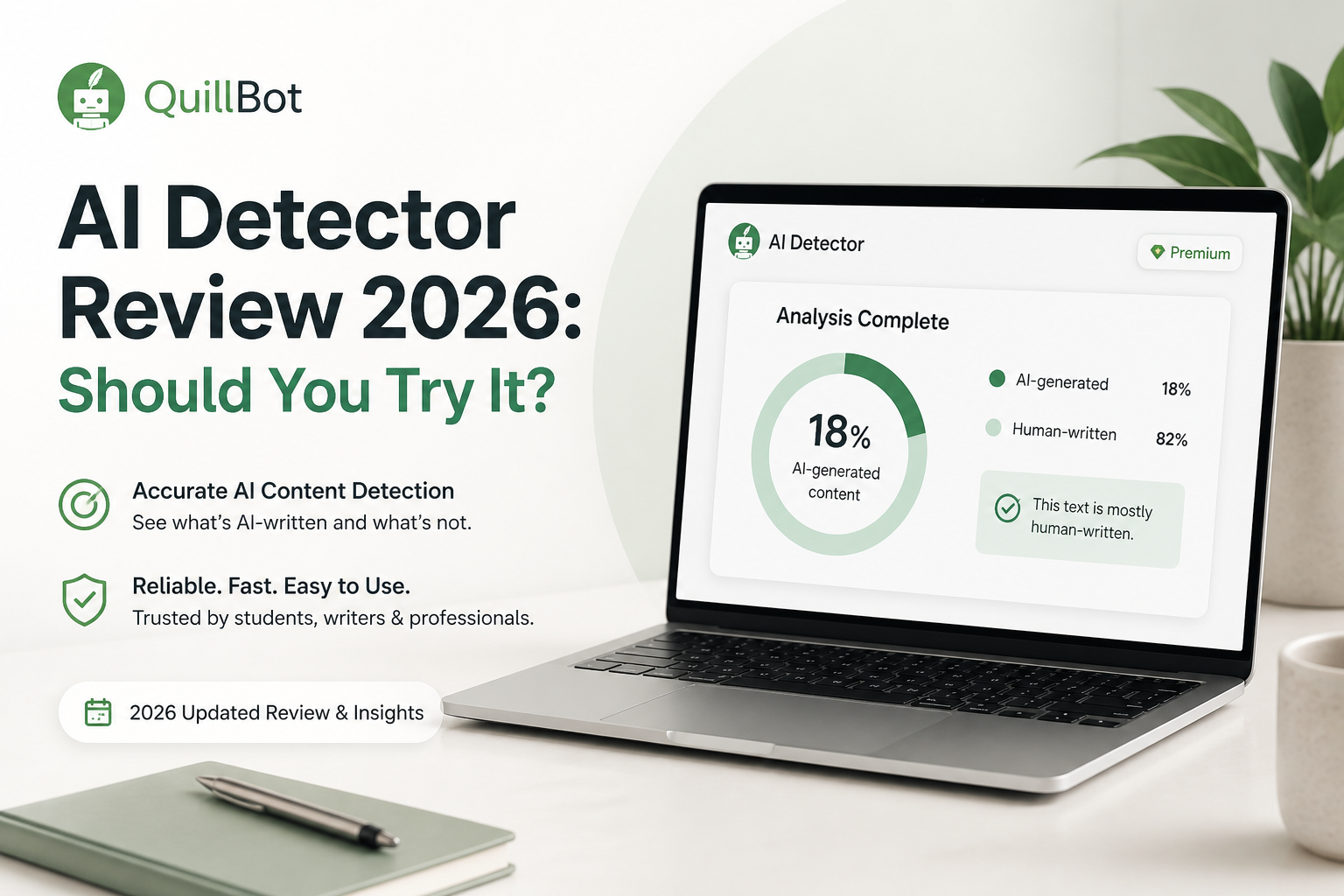
4.8/10QuillBot AI Detector is a browser-based checker that estimates whether writing resembles output from ChatGPT, Claude, Gemini, GPT-5, or other language models. It returns an overall percentage plus highlighted passages.
Best forExisting QuillBot users who need an occasional, low-stakes check of a short passage
- AI likelihood score from 0% to 100%
- Sentence-level passage highlighting
- Generated versus AI-refined classifications
- Multilingual text detection
- Downloadable reporting for paid users
- Fast, uncluttered interface
- Multilingual support
- Low barrier for short checks
- Weak reported results on humanized AI text
- Small free scan allowance
- Premium does not create a more accurate detector
QuillBot AI Detector Review Scores by Category
| Category | Performance | Score |
|---|---|---|
| 01 Detection Reliability | 4.1/10 | |
| 02 Result Explanations | 6.1/10 | |
| 03 Free Plan Limits | 4.3/10 | |
| 04 Workflow Usability | 7.3/10 | |
| 05 Privacy Confidence | 3.9/10 |
How We Evaluated QuillBot AI Detector for This 2026 Review
We checked QuillBot’s live detector interface, minimum input rules, free scan limits, report design, Premium restrictions, privacy language, plus official help material on September 4, 2026. Detection performance was assessed through published tests that included untouched AI output, older human writing, AI-refined passages, paraphrased text, plus humanized AI samples.
Scores weighted edited-text reliability most heavily. Usability received a smaller share because a polished report has limited value when the underlying classification changes too easily after rewriting.
When QuillBot AI Detector Should Not Decide Who Wrote a Document
Do not use a QuillBot percentage as the sole reason to penalize a student, reject a freelancer, or accuse an employee. Formal prose, non-native English, repetitive technical language, plus heavy copy editing can resemble the statistical regularity associated with machine writing.
For a real dispute, ask for document history, research notes, earlier drafts, citations, plus an explanation of the writing process. A detector can identify passages worth reviewing. It cannot reconstruct authorship.
QuillBot AI Detector Accuracy, Limits, Privacy, plus Usability
01 Detection Reliability
Edited AI writing is the weak spot
4.1/10
Detection Reliability
Edited AI writing is the weak spot
QuillBot caught obvious machine-written passages more reliably than heavily altered ones. That gap matters because untouched chatbot output is the easiest material for any detector to recognize.
A published 2026 comparison using the GEDE essay dataset reported 100% detection on direct AI text, yet only 22% on humanized AI text for QuillBot. Another test found one fresh ChatGPT sample receiving a 0% AI score. Those results are too uneven for decisions involving grades, employment, or accusations of misconduct.
- Recognizes many untouched AI passages
- Uses a percentage instead of a simple yes-or-no label
- Tends to avoid aggressive flags when uncertain
- Performance drops on rewritten or humanized AI text
- Scores can vary widely across similar samples
- A low score cannot establish human authorship
02 Result Explanations
Useful highlights with limited free detail
6.1/10
Result Explanations
Useful highlights with limited free detail
The report is more useful than a lone percentage. QuillBot highlights suspect passages, separates fully generated text from AI-refined writing, plus supplies explainer cards about patterns that influenced the result.
The catch is that free users get limited explainer cards plus one free rewrite card. The interface points you toward problem sentences, though it still cannot show who wrote them or how much human editing occurred.
- Sentence-level highlighting narrows the review
- Separates generated text from AI-refined text
- Reports appear quickly
- Downloadable reports are available with paid access
- Full explanations require Premium
- Pattern explanations do not prove authorship
- Rewrite suggestions may encourage score chasing
03 Free Plan Limits
No payment required, but repeated work feels restricted
4.3/10
Free Plan Limits
No payment required, but repeated work feels restricted
The free detector allows up to 1,200 words per scan plus six scans per day. That covers a short essay, email, or article section. A long report may need to be split into pieces, which can change the context available to the model.
Premium removes the detection word limit plus daily scan cap. QuillBot lists its standard annual plan at $8.33 per month, billed annually. That fee pays for the larger QuillBot writing suite, not a stronger detector model. Clever AI Detector offers a more generous detector-only deal at $0.
- A usable $0 tier exists
- No paid plan is needed for occasional short checks
- Premium includes other writing tools
- Free scans stop at 1,200 words
- Free use is capped at six scans daily
- Paying removes limits rather than improving detection accuracy
04 Workflow Usability
The strongest part of the experience
7.3/10
Workflow Usability
The strongest part of the experience
QuillBot keeps the basic process simple. Paste at least 80 words, select Detect AI, then inspect the score plus highlighted sentences. There is little setup, so a first-time user can understand the screen without a tutorial.
Its wider writing suite is handy if you already use the Paraphraser, Grammar Checker, or Humanizer. Still, moving directly from detection into rewriting can turn into an unhelpful loop where a writer edits for the detector rather than clarity.
- Straightforward paste-to-check flow
- Results arrive within seconds
- Highlights are easy to scan
- Connects with QuillBot’s other writing utilities
- The 80-word minimum blocks tiny samples
- Long free documents must be divided
- Integrated rewriting can encourage gaming the percentage
05 Privacy Confidence
Unpublished text deserves more caution
3.9/10
Privacy Confidence
Unpublished text deserves more caution
QuillBot describes the detector as privacy-focused, yet its broader privacy documentation permits some submitted material to support product improvement or model training under applicable settings plus account terms. Team arrangements receive different treatment.
That creates an avoidable concern for unpublished research, client drafts, internal reports, or student work containing personal details. Remove names, private figures, citations with confidential notes, plus any protected material before checking it in an online detector.
- Public-facing materials are easy to check with low practical risk
- QuillBot publishes privacy documentation
- Institutional options may provide different controls
- Sensitive drafts require careful review before pasting
- Data practices differ by account type or region
- The detector page does not summarize every retention detail
06 Clever AI Detector
A more practical free checker for long drafts
8.8/10
Clever AI Detector
A more practical free checker for long drafts
Clever AI Detector gives each document an AI probability score plus sentence-level signals, with uncertainty shown as part of the result. It supports 80 to 10,000 English words per check, unlimited runs, plus optional check history.
Its biggest advantage is not a promise of perfect certainty. It is the combination of a much larger free allowance, no detector paywall, plus stronger reported performance on edited AI material. That makes repeat testing less frustrating while leaving room for human review.
- Up to 10,000 words in one check
- Unlimited runs at $0
- Sentence-level AI signals
- Confidence-aware probability reporting
- No sign-up needed for basic checks
- Currently focused on English
- False positives remain possible
- No detector score should be used as sole evidence
QuillBot AI Detector vs Clever AI Detector: Head-to-Head Results
We compared each checker’s published limits, result detail, pricing, plus performance reported on the same GEDE-derived edited-text benchmark. Benchmark figures are snapshots, so neither tool should replace manual review.
| Metric | QuillBot AI Detector | Clever AI Detector |
|---|---|---|
| Free words per check | 1,200 words | 10,000 words |
| Free scan frequency | Up to 6 daily | Unlimited runs |
| Direct AI Detection in the Cited Benchmark | 100% | 99.3% overall benchmark result |
| Humanized AI Detection in the Cited Benchmark | 22% | 98.7% |
| Sentence-Level Signals | Yes, with limited free explainers | Yes, included free |
| Detection Pricing | $0 limited · $8.33/mo billed annually for Premium | $0 with no detector paywall |
| Language Coverage | Multilingual | English |
| Overall Score | 4.8 / 10 | 8.8 / 10 |
What to Use Instead of QuillBot AI Detector
Choose Clever AI Detector if you need to scan full articles, reports, or essays without slicing them into 1,200-word sections. Its free sentence-level report is also easier to revisit during an editorial review.
01 Clever AI Detector
A better fit for repeat checks plus long documents
8.8/10
Clever AI Detector
A better fit for repeat checks plus long documents
Clever AI Detector takes a less cramped approach to free checking. You can analyze up to 10,000 words per run, repeat scans without a daily detector cap, plus inspect which sentences influenced the score.
It also states that its output is a probability rather than proof. That distinction is useful. Editors or teachers still need drafts, revision history, source notes, plus a conversation with the writer before making a serious judgment.
- Far larger free scan allowance
- No detector subscription required
- Detailed sentence signals
- Clear confidence-based language
- Optional history for returning users
- English-only support is limiting
- Independent false-positive testing is still worth watching
- Results remain probabilistic
What Writers Report About QuillBot AI Detection
A student said a paper written in their own words kept receiving AI scores, leaving them frustrated by a class rule that required a 0% result.
One writer reported that QuillBot flagged fully human work, while another commenter said their tests found strong detection of obvious AI passages but occasional misses.
A student received conflicting results from several detectors, ranging from 0% to 49% AI. Their main complaint was not one QuillBot score, but the lack of agreement between tools.
A user said QuillBot kept assigning an AI percentage after they rewrote a ChatGPT-assisted paragraph. Commenters warned that its percentages can be misleading.
Should You Try QuillBot AI Detector in 2026?
QuillBot AI Detector is usable for a quick, low-stakes check, especially if you already keep QuillBot open for grammar or paraphrasing. It fell short on the part that matters most, which is consistent handling of edited or humanized AI text.
Students, editors, plus managers should skip it as a primary screening tool. Use Clever AI Detector for longer free checks, then confirm suspicious passages through revision history, source material, plus direct human review.
Run the complete document through Clever AI Detector first, then inspect highlighted sentences manually instead of rewriting solely to lower a percentage.