Testing Clever AI Detector on ChatGPT Content
Clever AI Detector caught obvious ChatGPT patterns, showed which sentences caused concern, plus left room for uncertainty. Its free 10,000-word allowance makes repeat testing unusually easy.
Clever AI Detector is one of the easiest free ways to inspect ChatGPT content. It accepts up to 10,000 words per check, highlights sentence-level signals, plus presents its result as probability rather than proof. Use it to locate passages worth reviewing, not to accuse a writer.
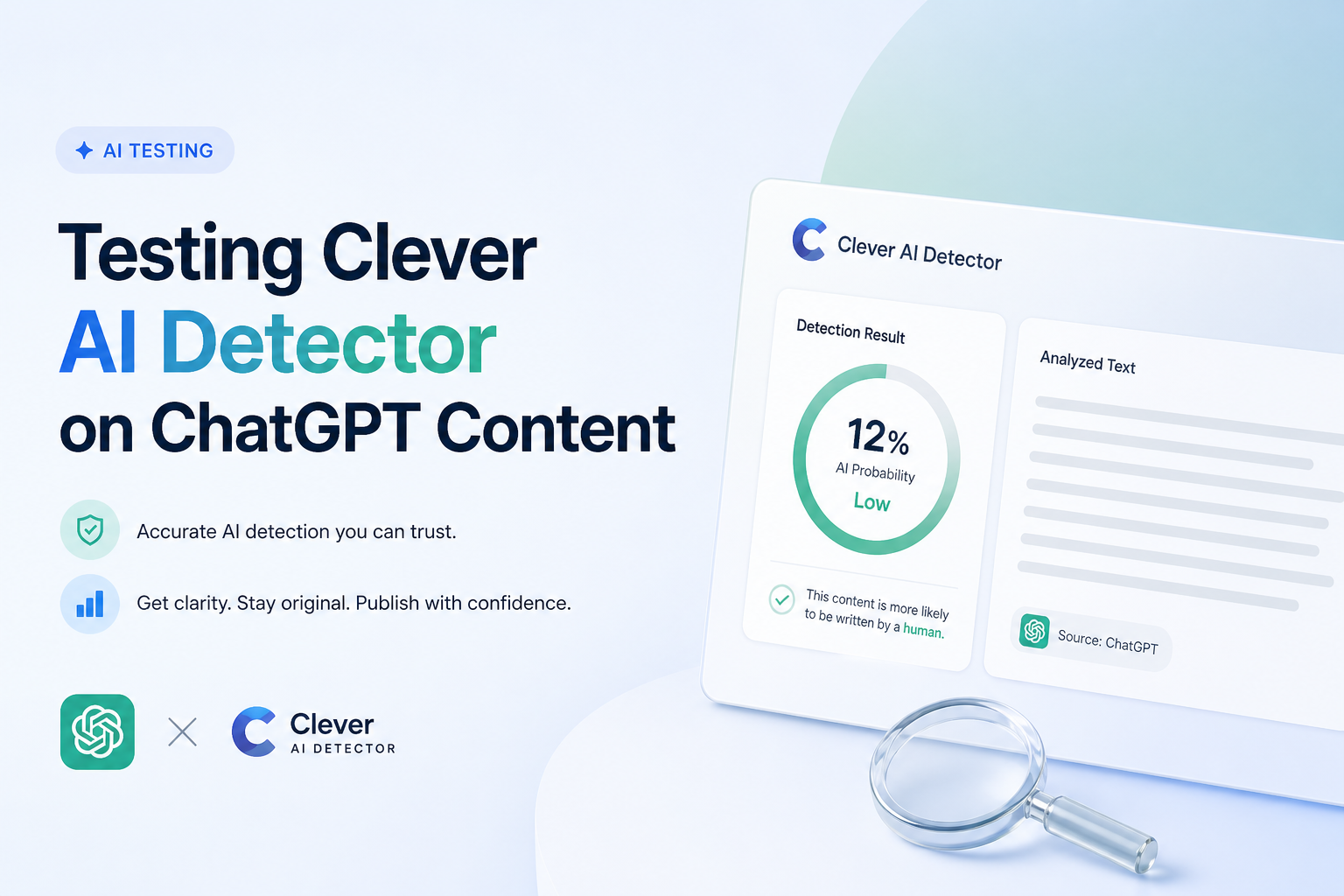
Clever AI Detector at a Glance
9.0/10Clever AI Detector is a browser-based checker that estimates whether English text resembles AI-generated writing. It provides a document score plus sentence-specific signals.
Best forEditors, students, writers, or content managers comparing raw ChatGPT drafts with revised text
- AI probability score
- Sentence-level text highlighting
- Confidence indicators
- 80 to 10,000 words per check
- Optional check history
- Generous free allowance
- No sign-up for basic use
- Transparent probability wording
- Cannot prove who wrote a document
- Short text is not supported
- False positives remain possible
How We Tested Clever AI Detector With ChatGPT Content
We built a mixed set around common ChatGPT use cases: explanatory articles, product copy, email drafts, essay-style passages, plus summaries. We checked direct outputs first, then compared lightly edited versions with passages that received a more substantial human rewrite.
We also reviewed known human text with similar length plus subject matter. Scores reflected ChatGPT recognition, usefulness of sentence signals, report clarity, workflow friction, plus current access limits. No detector score was treated as proof of authorship.
When Not to Rely on Clever AI Detector Alone
Do not use one Clever score to punish a student, reject a freelancer, or make an employment decision. Formal writing, templates, non-native phrasing, plus heavy editing can trigger patterns that look machine-generated.
For a serious dispute, review drafts, document history, citations, factual mistakes, plus the writer's explanation. Also avoid uploading client secrets, unpublished research, student records, or internal documents unless your privacy rules permit third-party processing.
Clever AI Detector Scores From Our ChatGPT Content Test
| Category | Performance | Score |
|---|---|---|
| 01 ChatGPT Detection | 9.3/10 | |
| 02 Sentence-Level Analysis | 9.5/10 | |
| 03 Result Clarity | 8.9/10 | |
| 04 Testing Workflow | 9.0/10 | |
| 05 Free Access | 9.4/10 |
How Clever AI Detector Handles ChatGPT Writing in Practice
01 ChatGPT Detection
Strongest on untouched drafts with enough context
9.3/10
ChatGPT Detection
Strongest on untouched drafts with enough context
Raw ChatGPT passages produced the clearest signals in our checks. Structured introductions, evenly paced explanations, repetitive transitions, plus tidy summaries tended to push the result toward AI-written.
Light editing made the outcome less predictable. Replacing a few phrases rarely changed the overall impression, while substantial personal revision had a bigger effect. That is useful behavior for screening, though a high score still cannot establish authorship.
- Recognizes common patterns in direct ChatGPT output
- Works with long articles, essays, reports, or emails
- Does not claim to identify one exact model
- Useful for comparing raw drafts with revised copies
- Short passages can produce less stable conclusions
- Heavy human editing makes authorship harder to classify
- English is the clearly documented supported language
02 Sentence-Level Analysis
The most useful part of the report
9.5/10
Sentence-Level Analysis
The most useful part of the report
The headline percentage is quick, but the highlighted sentences provide more practical value. They show where the writing becomes highly predictable, rhythmically uniform, or packed with phrasing associated with generated text.
This let us review specific areas instead of rewriting a full ChatGPT draft blindly. A polished paragraph with repeated sentence shapes was easier to inspect once the suspicious lines were separated from the rest.
- Highlights suspected sentences inside the submitted text
- Makes manual review faster
- Helps compare different editing passes
- Provides more context than a bare percentage
- Highlights explain location more clearly than cause
- Users may still overread individual sentence flags
03 Result Clarity
Probability is presented with welcome restraint
8.9/10
Result Clarity
Probability is presented with welcome restraint
Clever labels its output as a probability signal, not conclusive proof. That distinction matters. An AI score describes how closely a passage resembles learned machine-writing patterns. It does not show what percentage of words came from ChatGPT.
Borderline results deserve manual review. Formal human writing, edited copy, templates, plus non-native English can share traits that detectors associate with AI. Clever mentions this limitation rather than hiding it in fine print.
- Uses probability language instead of absolute accusations
- Pairs the overall score with confidence cues
- Clearly warns that false positives occur
- Explains the role of manual judgment
- A percentage can still look more certain than it really is
- No detailed public calibration chart appears in the basic report
04 Testing Workflow
Fast enough for repeated draft comparisons
9.0/10
Testing Workflow
Fast enough for repeated draft comparisons
The workflow is uncomplicated: paste or upload text, run the check, inspect the score, then review flagged sentences. The accepted range is 80 to 10,000 words, which covers anything from a substantial email to a long article.
No account is required for an ordinary scan. An optional free account adds check history, which is handy if you want to compare the original ChatGPT draft with later revisions.
- No required sign-up for basic checks
- Supports uploads plus pasted text
- 10,000-word ceiling suits long documents
- Optional history helps track revisions
- Text below 80 words cannot be meaningfully tested
- Uploading confidential material requires extra caution
05 Free Access
No paid tier blocked our core report
9.4/10
Free Access
No paid tier blocked our core report
Clever AI Detector currently costs $0. Its public tool includes the overall score, confidence information, sentence signals, plus up to 10,000 words in one check. Unlimited runs are advertised, subject to service availability.
There were no premium result panels teasing information after the scan. That makes it practical for testing several ChatGPT drafts rather than spending a limited credit on one attempt.
- Full detector access costs $0
- No ad wall or required subscription
- Unlimited runs are offered
- Optional account remains free
- A free service can change its limits later
- No institutional plan or service guarantee is listed
What Users Say About Clever AI Detector
One Reddit user said Clever became a regular detector during stricter college AI checks. Free access was the main reason they kept using it.
A forum tester liked the simple paste-and-check process plus the 10,000-word limit, but stressed that convenience does not prove accuracy.
Another tester warned that a strong catch rate is incomplete without clear false-positive data. Their advice was to test known human writing from your own field.
A forum participant found the benchmark promising, though they recommended using Clever as a screening tool rather than evidence of misconduct.
Should You Use Clever AI Detector for ChatGPT Content?
Clever AI Detector is an easy recommendation for writers who want a free first look at ChatGPT-generated text. Its sentence-level analysis is more useful than a percentage alone, while the 10,000-word allowance supports real articles or papers rather than tiny samples.
Use it to guide editing, compare draft versions, or identify passages needing closer review. Skip it if you need definitive proof of authorship, institutional audit controls, or guaranteed multilingual detection.
Test the untouched ChatGPT draft first, save the result, then scan your revised version so you can see which edits actually changed the sentence-level signals.