Disk Drill Review for SD Cards: Can It Recover Deleted Photos and Videos?
Disk Drill is unusually good at sorting through lost camera media, especially fragmented video. The catch is simple: useful recovery usually means paying first.
Disk Drill is worth scanning an SD card with before you pay. Its photo previews, RAW support, byte-to-byte imaging, plus Advanced Camera Recovery make it particularly useful for camera or drone footage. Windows gets only 100 MB of standard free recovery, while Mac users generally get previews rather than a practical free allowance.
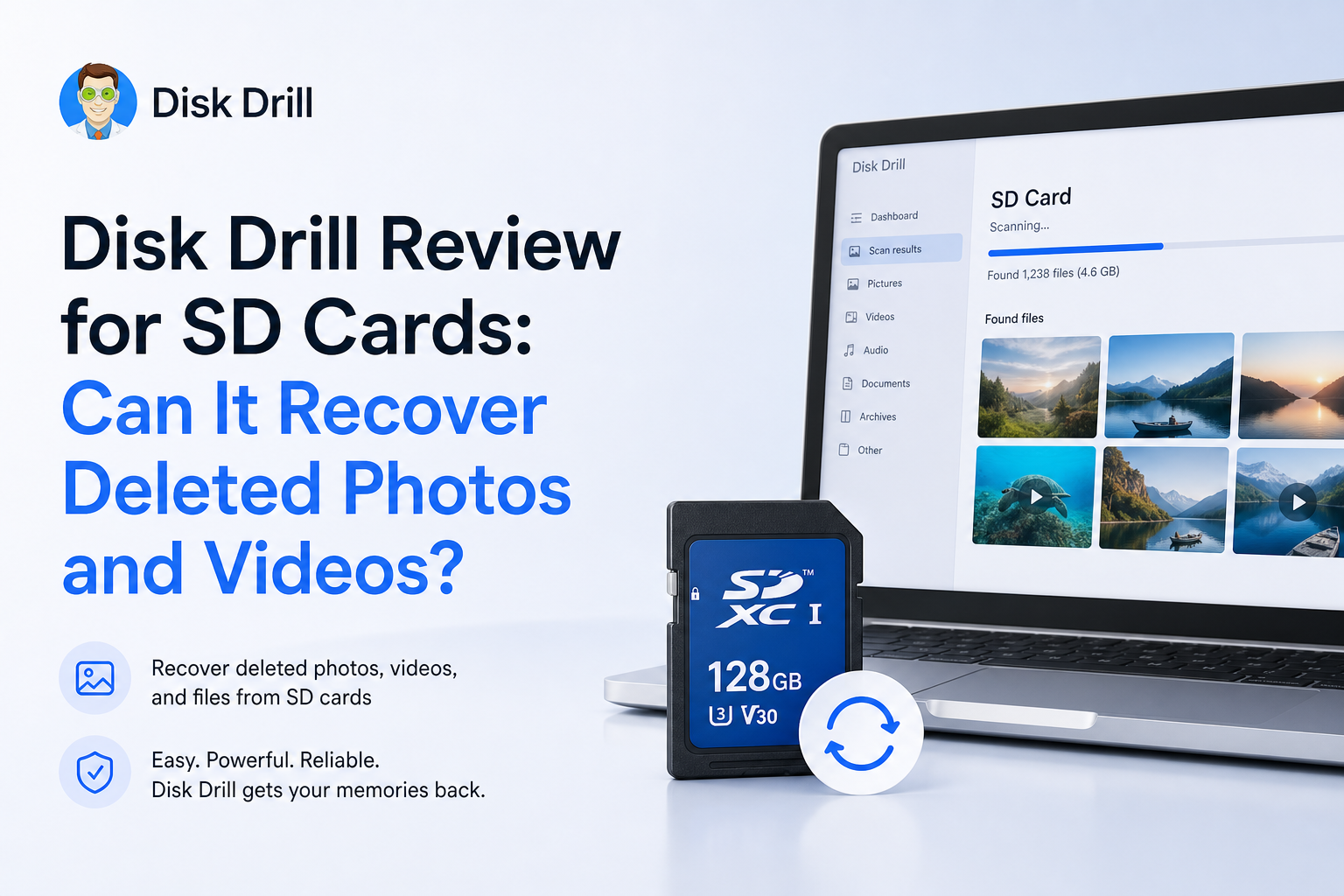
Disk Drill for SD Cards at a Glance
8.7/10Disk Drill is a Windows plus macOS recovery app for deleted, formatted, corrupted, or inaccessible storage. Its camera-focused mode can reconstruct fragmented photos, audio, plus video from memory cards.
Best forPhotographers, videographers, drone pilots, plus action-camera owners with readable but damaged or accidentally erased cards
- Advanced Camera Recovery for fragmented footage
- Photo, video, plus RAW file previews
- Universal scans for formatted or RAW cards
- Byte-to-byte card imaging
- Filters plus recovery-chance estimates
- Strong camera-format coverage
- Easy preview-first workflow
- Useful card imaging tool
- Most real jobs require PRO
- Mac has no general 100 MB allowance
- Recovery can never be guaranteed
Disk Drill for SD Cards: How We Scored Its Recovery Tools
| Category | Performance | Score |
|---|---|---|
| 01 Camera Media Recovery | 9.4/10 | |
| 02 Preview Workflow | 9.1/10 | |
| 03 Damaged Card Handling | 8.8/10 | |
| 04 Ease of Use | 8.6/10 | |
| 05 Cost & Licensing | 7.2/10 |
How We Evaluated Disk Drill for SD Card Recovery
We reviewed Disk Drill’s current Windows plus Mac workflows against three common SD card situations: ordinary deletion, a reformatted camera card, plus fragmented video recovery. Scoring covered scan choices, preview usefulness, card-imaging safeguards, format coverage, licensing limits, plus the clarity of recovery steps.
We also checked current CleverFiles documentation, July 2026 licensing information, release notes, plus recent user accounts. We did not assign a universal recovery percentage because results depend on overwriting, flash condition, file fragmentation, camera behavior, plus whether the card remains readable.
When Not to Run Disk Drill on an SD Card
Do not keep scanning a card that repeatedly disconnects, becomes unusually hot, freezes the computer, or shows a false capacity such as 0 bytes. Those symptoms point toward controller or NAND trouble rather than a simple deleted-file problem. Repeated reads may turn a marginal card into an unreadable one.
Also avoid do-it-yourself recovery when the only copy contains paid client work, legal evidence, or footage that cannot be recreated. Software is reasonable for a stable card detected at its correct size. Hardware failure calls for a lab with flash-memory tools.
Disk Drill SD Card Recovery Capabilities in Detail
01 Camera Media Recovery
Its best reason to choose Disk Drill
9.4/10
Camera Media Recovery
Its best reason to choose Disk Drill
SD cards present a tougher recovery problem than a folder of deleted documents. Cameras may split a long MP4 or MOV recording across many nonadjacent sections of the card. A basic file carver can find the beginning of that video, yet return a clip that freezes, lacks audio, or refuses to open.
Disk Drill 6 addresses this with Advanced Camera Recovery. The mode scans the card’s sectors, identifies the recording device, then attempts to rebuild fragmented footage in sequence. Current support covers common media from GoPro, DJI, Canon, Sony, Nikon, Fujifilm, Panasonic, plus Insta360 devices. The supported list includes MP4, MOV, JPG, DNG, CR2, CR3, NEF, ARW, RAF, RW2, INSV, WAV, plus several camera-specific formats.
This still is not a guarantee. Overwritten sections remain lost, while incomplete fragments can produce visual glitches. Even so, the specialized workflow gives Disk Drill a meaningful edge for long camera videos. Details are available in the Advanced Camera Recovery guide.
- Purpose-built reconstruction for fragmented camera video
- Supports major camera, action-cam, plus drone brands
- Handles standard photos beside many RAW formats
- Can scan an original card or its byte-to-byte image
- Universal scanning remains available for other file types
- A camera model may need to be selected or corrected
- Reconstructed clips can contain gaps if sectors are missing
- ACR is not intended for ordinary document recovery

02 Preview Workflow
Check the files before buying
9.1/10
Preview Workflow
Check the files before buying
Disk Drill separates found material into browsable groups, with filters for photos, video, file type, size, date, plus recovery status. That matters on a reused SD card, where a deep scan may surface thumbnails, old shoots, duplicates, plus anonymous reconstructed files.
Previewing is the most useful part of the free edition. A clear photo preview is stronger evidence than a filename alone. For video, play several sections rather than checking only the first frame. A thumbnail can survive even when much of the actual clip is gone.
The recovery-chance indicator is helpful for prioritizing files, though it should not be read as a promise. Before paying, preview a representative mix of large videos, RAW images, JPEGs, plus files from different dates.
- Unlimited previewing before purchase
- Useful filters for large scan-result sets
- Photo thumbnails make visual sorting quicker
- Recovery-chance labels help with triage
- Reconstructed files may lose original names or folders
- A working preview does not prove every video frame survived
03 Damaged Card Handling
Good software safeguards, with hardware limits
8.8/10
Damaged Card Handling
Good software safeguards, with hardware limits
Disk Drill can examine SD, SDHC, SDXC, microSD, CompactFlash, CFexpress, XQD, plus several less common camera-storage formats. It also supports cards that appear as RAW after file-system damage, provided the computer can still detect the physical device.
The byte-to-byte backup tool is especially valuable. It creates a sector-level image that can be scanned instead of repeatedly stressing the original card. For a card that disconnects, slows down, or throws read errors, imaging should come before a deep scan.
No desktop app can recover a card that never appears at the hardware level. Clicking sounds do not apply to flash media, though heat, repeated disconnects, a zero-byte capacity, or a missing device listing are good reasons to stop. Important client work belongs with a recovery lab at that point.
- Reads common SD-family cards plus professional camera media
- Can search RAW or reformatted volumes
- Byte-to-byte images reduce repeated card access
- Scanning is designed to avoid writing to the source
- The computer must detect the physical card
- A failing card can worsen during any sustained read
- Software cannot restore overwritten NAND cells
04 Ease of Use
Friendly enough for a first recovery attempt
8.6/10
Ease of Use
Friendly enough for a first recovery attempt
The basic route is hard to mess up: insert the card through a reader, select the whole device, choose a scan mode, review the results, then recover to another drive. Disk Drill surfaces complicated recovery methods without making the opening screen look like a forensic utility.
The biggest decision is Universal Scan versus Advanced Camera Recovery. Universal Scan makes sense for deleted JPEGs, documents, folder reconstruction, or mixed data. ACR fits footage recorded directly by a camera, drone, dashcam, or action camera, particularly when recovered videos from a normal scan will not play.
One safety detail could be louder: never save restored files back onto the card being scanned. Doing so may overwrite the next photo or clip waiting to be recovered.
- Clear device list plus obvious scan controls
- Mac or Windows versions use a similar workflow
- Results can be paused, filtered, then searched
- Complex camera recovery gets its own guided mode
- Extra disk tools can distract from an urgent recovery
- New users may choose the wrong scan mode first
- Recovery destination warnings deserve more emphasis
05 Cost & Licensing
Useful trial, fairly expensive unlock
7.2/10
Cost & Licensing
Useful trial, fairly expensive unlock
Disk Drill Basic costs nothing to install. It can scan storage plus preview found media without a file-count cap. On Windows, it also recovers up to 100 MB through standard recovery methods. That may cover several JPEGs, though one modern video can consume the whole allowance. Mac does not include the same general 100 MB benefit.
Disk Drill PRO costs $89 per year or $149 for a lifetime license. Either personal license covers Mac plus Windows, with up to three device activations. The yearly option renews automatically unless canceled. Purchases are generally treated as final, with refund requests reviewed case by case.
The sensible move is to finish the free scan first. Confirm that key photos render at full size, test playable video previews, then decide whether the recovered material is worth the fee. The current terms are explained on the Disk Drill licensing page.
- Free scans plus unlimited previews
- Windows includes 100 MB of normal recovery
- One personal license covers Mac plus Windows
- Lifetime purchase avoids annual renewal
- $89 is steep for one small recovery job
- Mac lacks Windows’ 100 MB general allowance
- Annual subscriptions renew automatically
What SD Card Owners Say About Disk Drill
The poster says a RAW SD card containing family photos plus videos was inaccessible in Windows. Disk Drill found the media, with its camera recovery mode proving useful for fragmented footage.
This commenter tested one small wedding clip within the free limit before buying. They report that the ceremony, speeches, plus first-dance videos were recovered in playable form.
A critical commenter says the scan looked promising before purchase, yet the recovered client files were unusable. They were also unhappy with support plus the annual billing model.
A photographer reports that Disk Drill recovered roughly 1,000 images from an unreadable SanDisk card in under an hour after ordinary troubleshooting failed.
Should You Use Disk Drill for an SD Card?
Disk Drill is a good first paid option for recoverable SD cards, especially when the missing material includes long camera, drone, or action-cam videos. Photographers who want visual previews plus a straightforward interface should find it less frustrating than command-line tools.
Skip a software scan if the card drops offline, reports the wrong capacity, overheats, or contains irreplaceable commercial work. In those cases, make an image if the card reads steadily, otherwise contact a recovery lab before the hardware deteriorates further.
Lock the SD card if it has a physical switch, stop recording immediately, then scan a byte-to-byte image rather than saving anything back to the original card.