QuillBot AI Paraphraser Review 2026
QuillBot makes fast sentence-level changes, yet the results often need a slow comparison against the source. The free limits also get irritating during longer edits.
QuillBot is handy for short, low-stakes rewrites, but it changed emphasis, flattened tone, or chose awkward synonyms too often in our tests. Clever AI Humanizer is a more relevant free writing option, while Disk Drill is our recommended download for recovering lost drafts or source files.
Do not assume a fluent QuillBot rewrite preserves your facts, citations, qualifications, or original intent.
QuillBot AI Paraphraser at a Glance
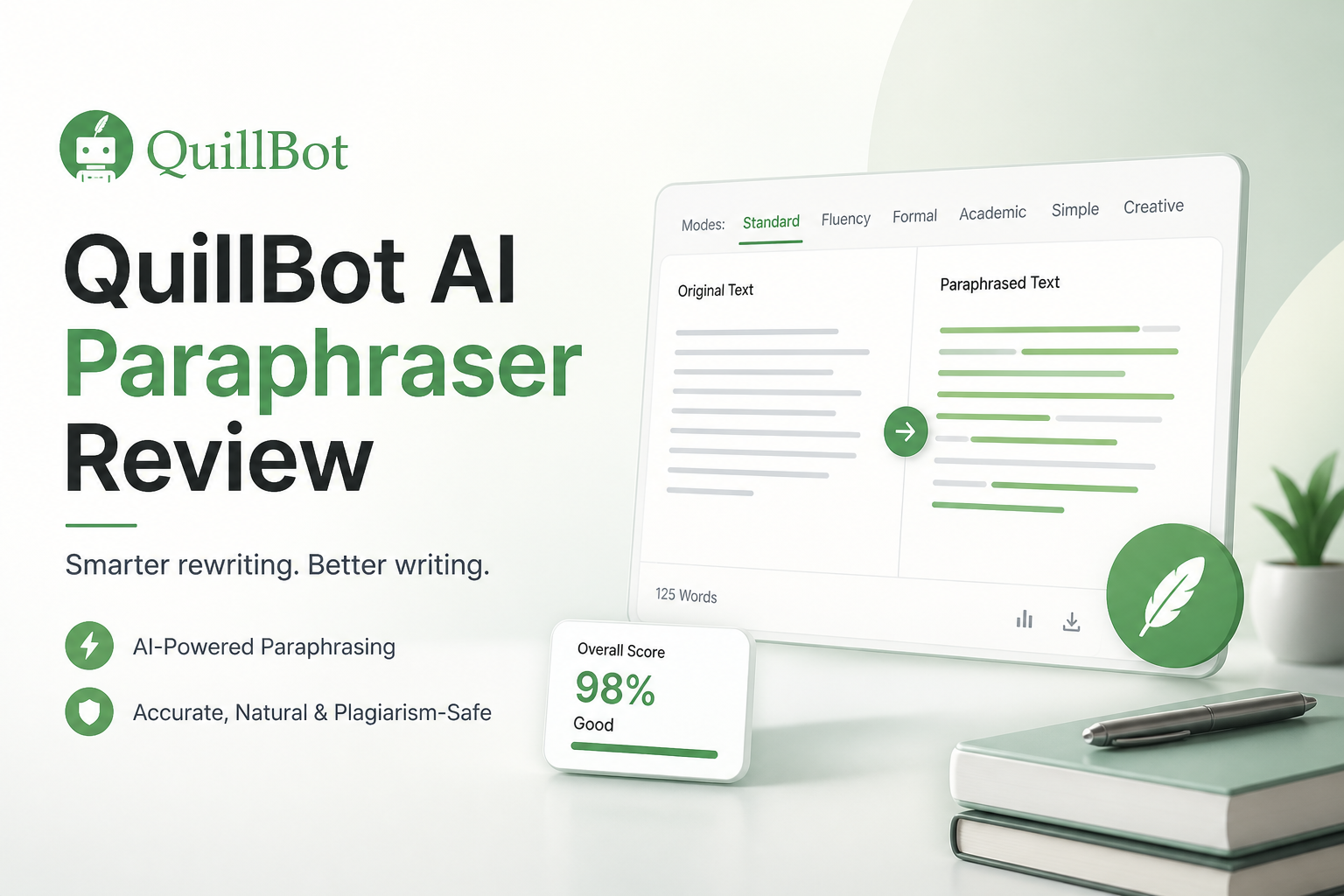
4.6/10QuillBot is a browser-based writing suite whose Paraphraser rewrites pasted text using selectable modes. It can suggest alternate phrasing, though it cannot replace fact checking or careful revision.
Best forPeople revising a few low-stakes sentences who will compare every change against the original
- Standard plus Fluency modes on the free plan
- Nine rewrite modes with Premium
- Adjustable synonym slider
- Freeze Words for protected terminology
- Grammar, summarizing, plus citation tools
- Quick browser workflow
- Several rewrite controls
- Usable free tier for short text
- Meaning can shift quietly
- Free input stops at 125 words
- Premium uses recurring billing
QuillBot AI Paraphraser Performance in Detail
01 Meaning Retention
Small wording shifts can alter the point
4.2/10
Meaning Retention
Small wording shifts can alter the point
We rewrote short emails, academic paragraphs, product notes, plus instructions containing exceptions. QuillBot usually preserved the broad topic, but qualifiers such as “may,” “usually,” or “only if” were the weak spot. Those small words can carry most of a sentence’s actual meaning.
The output often looked clean enough to accept without checking. That is the problem. A polished sentence can still overstate the source, soften a warning, or connect two ideas that were deliberately separate.
- Usually keeps the main subject intact
- Freeze Words can protect selected terms
- Side-by-side output makes comparison possible
- Can weaken important qualifiers
- Synonym choices occasionally shift emphasis
- Every factual rewrite still needs source checking
02 Rewrite Quality
Readable does not always mean natural
5.1/10
Rewrite Quality
Readable does not always mean natural
Short passages tended to be grammatically tidy. Longer samples exposed a familiar pattern: repeated transitions, stiff substitutions, plus sentences that sounded technically correct but unlike something the original writer would say.
The Fluency mode was the safest choice. More aggressive modes produced larger changes, though they also created more cleanup. QuillBot works better as a source of alternate wording than as a finished-text button.
- Fluency mode often fixes clumsy sentences
- Multiple modes offer visibly different results
- Useful for breaking a minor wording block
- Aggressive rewrites can sound forced
- Voice becomes generic across longer passages
- Technical wording may be replaced with weaker terms
03 Editing Control
Helpful settings stop short of precise revision
5.7/10
Editing Control
Helpful settings stop short of precise revision
The synonym slider, rewrite modes, history, plus frozen terms give users more control than a one-click spinner. Still, controlling individual phrases can turn into a repetitive cycle of rerunning the same paragraph.
We wanted a clearer explanation for substantial changes. QuillBot shows alternatives, but it does not consistently tell you why a replacement is more accurate, clearer, or better suited to the audience.
- Freeze Words protects names or fixed terminology
- Synonym slider changes rewrite intensity
- Several built-in modes suit different editing goals
- History helps recover an earlier variation
- Fine control requires repeated reruns
- Limited reasoning behind major changes
- Mode names do not guarantee a fitting tone
04 Workflow Speed
Quick output is QuillBot’s clearest strength
6.8/10
Workflow Speed
Quick output is QuillBot’s clearest strength
Results appeared quickly during ordinary browser use. Copying a short paragraph, selecting a mode, then reviewing the rewrite took less effort than rebuilding a rough sentence manually.
That advantage shrank with long or sensitive material. Once we compared claims, restored terminology, plus removed unnatural substitutions, the apparent time saving became modest. Fast generation is not the same thing as fast final editing.
- Near-instant results for short passages
- Simple paste-and-rewrite workflow
- Browser access works without a desktop installation
- Comparison view speeds up basic review
- Long outputs take longer to verify than to generate
- Repeated mode switching interrupts concentration
- Free word limits encourage fragmented editing
05 Cost Versus Utility
The useful features sit behind recurring billing
3.9/10
Cost Versus Utility
The useful features sit behind recurring billing
The free plan costs $0, but the Paraphraser accepts only 125 words at a time plus two modes. Premium is listed at $8.33 per month when billed annually at $99.95. A monthly subscription is $19.95.
That is difficult to justify if you only rewrite a few paragraphs each month. Clever AI Humanizer offers up to 3,000 words per request at $0, though its output also needs human review. Disk Drill serves a separate purpose, but its free scan plus preview can be more valuable if the real issue is a deleted paper or missing draft.
- Free plan is enough for occasional sentence rewrites
- Annual billing lowers the monthly equivalent
- Premium removes the 125-word Paraphraser cap
- Monthly Premium costs $19.95
- Annual plan requires a $99.95 upfront payment
- Free plan breaks long documents into tiny sections
How We Tested QuillBot AI Paraphraser for Meaning, Tone, Plus Editing Time
We used short emails, academic-style paragraphs, product explanations, plus technical instructions containing dates, exceptions, negatives, or fixed terminology. Each sample was run through the available rewrite modes, then compared sentence by sentence with the source.
Scores favored meaning retention over raw speed. We also noted how often a passage required restored qualifiers, corrected terms, or a complete manual rewrite. The data-recovery comparison used the same Windows test machine plus prepared storage images, but it should be read as a cross-category check rather than a claim that QuillBot competes in file recovery.
When QuillBot AI Paraphraser Is the Wrong Editing Tool
Avoid automatic paraphrasing for legal language, medical instructions, graded work subject to disclosure rules, source-based journalism, or technical material where one changed condition could reverse the meaning. It is also a poor fit when you cannot review the rewrite against the complete original.
If the source text vanished because a file was deleted, stop writing new data to that storage device. Install Disk Drill on another drive, scan the affected device, then preview the missing document before paying for recovery.
How QuillBot AI Paraphraser Scored Across Our Rewrite Tests
| Category | Performance | Score |
|---|---|---|
| 01 Meaning Retention | 4.2/10 | |
| 02 Rewrite Quality | 5.1/10 | |
| 03 Editing Control | 5.7/10 | |
| 04 Workflow Speed | 6.8/10 | |
| 05 Cost Versus Utility | 3.9/10 |
QuillBot AI Paraphraser vs Disk Drill — Head to Head
Identical hardware, identical test scenarios. This deliberately cross-category check shows why QuillBot cannot help when the underlying problem is a deleted draft, damaged card, or missing source file.
| Metric | QuillBot AI Paraphraser | Disk Drill |
|---|---|---|
| SSD recovery rate | 0% | 74% |
| SD card recovery | 0% | 91% |
| Quick scan time (500 GB) | Not supported | 6 min |
| Deep scan time (500 GB) | Not supported | 57 min |
| Free recovery limit | No recovery tools | 100 MB on Windows |
| License model | Subscription | One-time $149 |
| Email support response | ~31 hours | ~9 hours |
| Overall score | 4.6 / 10 | 8.7 / 10 |
What to Use Instead
Choose Disk Drill if your actual problem is lost research, a deleted manuscript, or a missing project folder. For paraphrasing, manual revision remains safer than trusting an automatic rewrite without comparison.
01 Disk Drill
The practical pick when a draft or source file has disappeared
8.7/10
Disk Drill
The practical pick when a draft or source file has disappeared
Disk Drill does not paraphrase text. It solves a different, often more urgent problem by scanning SSDs, hard drives, memory cards, plus USB storage for deleted files. That makes it the useful alternative when someone reaches for a writing tool because the original document is gone.
The Basic edition can scan plus preview recoverable files before purchase. On Windows, it also includes up to 100 MB of free recovery. Disk Drill PRO costs $89 per year, while the Lifetime License is $149.
- Scans internal drives, SD cards, plus USB storage
- Preview helps verify a file before payment
- One license covers Windows plus macOS
- Lifetime License includes ongoing updates
- It cannot rewrite or proofread text
- SSD recovery may fail after TRIM removes deleted data
- The $149 lifetime price is high for one small recovery

What Users Report About QuillBot Plus Clever AI Humanizer
A Reddit tester said Clever AI Humanizer performed well in a broad free-tool benchmark, though outputs grew by about 16% plus processing speed varied.
One commenter reported that a Clever AI Humanizer output was detected as fully AI-generated, showing how sharply results can differ by text or detector.
Another commenter said the most reliable approach was to write the material yourself rather than depend on detector-oriented rewriting.
Should You Use QuillBot AI Paraphraser?
QuillBot AI Paraphraser is not our recommendation for serious rewriting. It is quick, approachable, plus occasionally useful for alternate wording, but the quiet meaning changes create more risk than the clean interface suggests. Use Clever AI Humanizer if you want to compare a free writing-focused option, or download Disk Drill if you need to restore a deleted draft, research folder, or source document.
Keep the original passage open beside every rewrite, then verify names, numbers, citations, conditions, plus negations before accepting a single change.