How to Use AI Detector to Audit Employee Reports?
Use AI detection as an early review signal, not a verdict. This workflow combines Clever AI Detector results with source checks, document history, plus a fair employee conversation.
Run the report through Clever AI Detector, then inspect its sentence-level signals. Verify suspicious passages against drafts, sources, plus work records before discussing the result with the employee. Never discipline someone from a detector score alone.
An AI probability is not proof of authorship or misconduct. False positives can affect formal, translated, templated, or heavily edited reports. Follow workplace policy, protect confidential data, plus require human review before any employment decision.
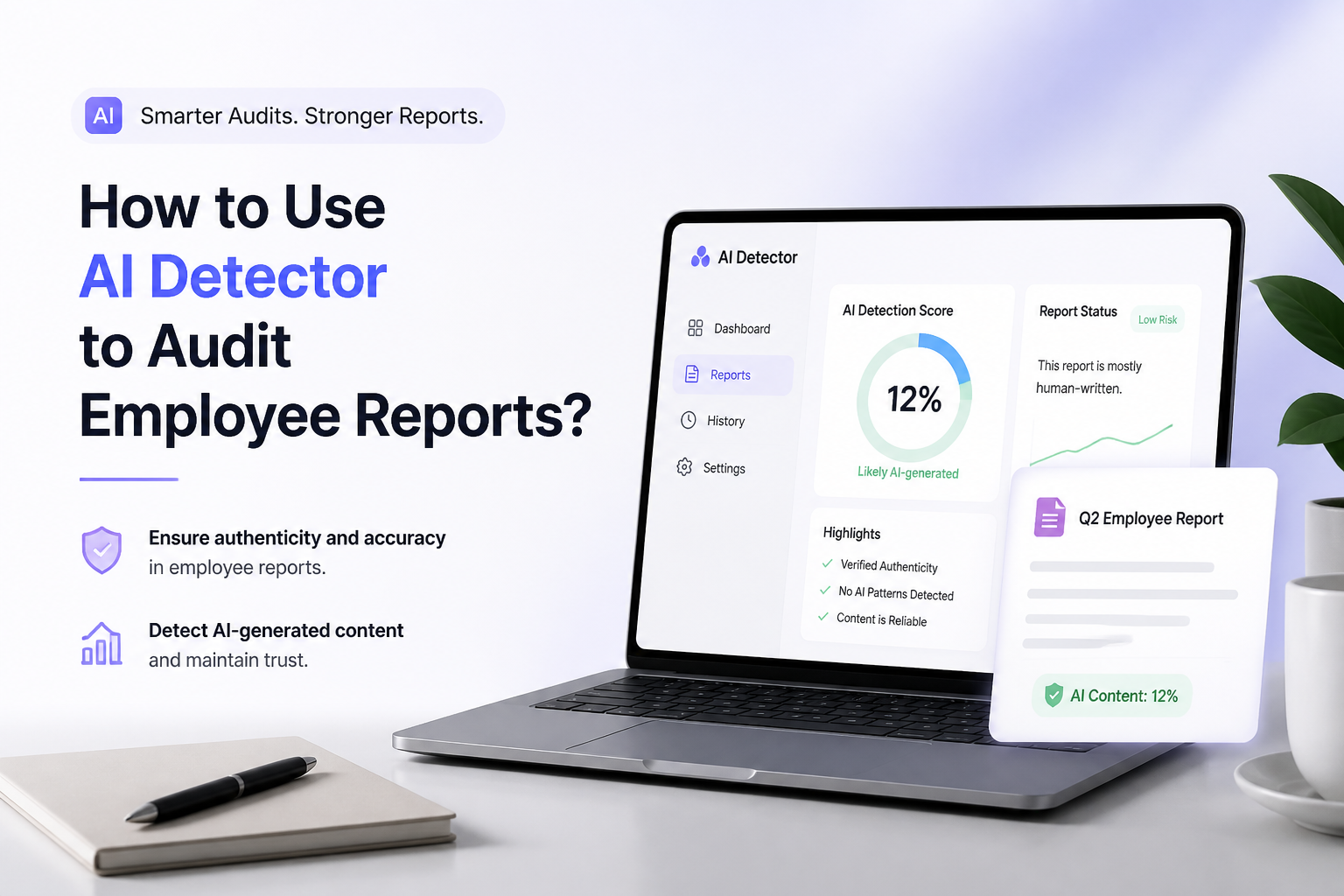
Scan Employee Reports → Clever AI Detector
Probability score plus sentence-level signals · Up to 10,000 words per check · English plus Spanish support
Choose the Right Method for Auditing Employee Reports
Start with a scan, then move toward evidence plus context.
| Method | Best for | Time | Success rate |
|---|---|---|---|
| 1. Scan the Report With Clever AI Detector TRY FIRST | Initial screening | ~3 min | ● 90% |
| 2. Review Flagged Sentences in Context | Locating specific concerns | ~10 min | ● 85% |
| 3. Compare the Report With Work Evidence | Verifying claims, authorship | ~20 min | ● 88% |
| 4. Discuss the Findings With the Employee | Resolving unclear cases | ~15 min | ● 82% |
| 5. Record the Outcome Plus Calibrate Future Audits | Recurring team audits | ~30 min | ● 78% |
When an AI Detector Should Not Review an Employee Report
Skip external detection tools when a report contains trade secrets, personal records, protected health information, unreleased financial data, or client material that cannot leave approved systems. Redaction may help, though heavy redaction can also weaken the scan.
Detection is also a poor fit for very short reports, rigid templates, translated passages, legal boilerplate, plus documents assembled by several contributors. Review source evidence instead.
How a Sentence-Level Employee Report Audit Works
Suppose a quarterly report receives a high AI probability. The flagged section is a generic market summary, while the employee’s calculations, customer notes, plus recommendations show clear work history. A reasonable outcome may be coaching on attribution or permitted AI use, not a claim that the whole report was machine-written.
Top 5 Methods to Audit Employee Reports With an AI Detector
01 Scan the Report With Clever AI Detector
Fastest first pass for reports containing at least 80 words
~3 min
Scan the Report With Clever AI Detector
Fastest first pass for reports containing at least 80 words
Start with a baseline scan before forming an opinion about the employee or the report. Clever AI Detector returns an overall probability plus sentence-level signals, which makes it more useful for review than a simple pass-or-fail label.
- Open Clever AI Detector in a private browser window approved for workplace use.
- Remove names, client details, financial figures, health information, plus other confidential material unless your policy permits submission.
- Paste or upload 80 to 10,000 words from the report, then select Check for AI.
- Record the overall probability, confidence indicator, report date, document version, plus reviewer name.
- Treat the result as a screening signal. Do not convert the percentage into a misconduct finding.
02 Review Flagged Sentences in Context
Best for separating stiff business writing from unexplained AI-style passages
~10 min
Review Flagged Sentences in Context
Best for separating stiff business writing from unexplained AI-style passages
An overall score hides where the concern sits. Inspect each highlighted sentence beside its heading, nearby evidence, plus the employee’s stated purpose.
- Open the sentence-level result from the initial scan.
- Mark passages with strong signals without deleting or rewriting anything.
- Read the paragraph before plus the paragraph after each marked sentence.
- Classify each flag as boilerplate, formal style, unsupported claim, or possible AI assistance.
- Prioritize factual gaps, invented citations, abrupt voice changes, plus vague conclusions over smooth wording alone.
03 Compare the Report With Work Evidence
Stronger than relying on wording patterns alone
~20 min
Compare the Report With Work Evidence
Stronger than relying on wording patterns alone
Check whether the employee can support the report through normal work artifacts. Draft history, calculations, meeting notes, source files, plus tracked edits usually tell you more about authorship than a detector score.
- Collect the report’s cited sources, spreadsheets, notes, tickets, or project records.
- Match major claims to a source or piece of work evidence.
- Review document history for drafting, revision, plus employee-specific edits.
- Check whether figures, quotations, customer details, plus recommendations can be traced.
- List unresolved gaps separately from detector flags so suspicion does not replace verification.
04 Discuss the Findings With the Employee
Best for resolving unclear scores without turning the audit into an accusation
~15 min
Discuss the Findings With the Employee
Best for resolving unclear scores without turning the audit into an accusation
Give the employee a fair chance to explain the workflow, permitted tools, plus source material. Focus on how the report was produced rather than asking the person to prove a detector wrong.
- Share the relevant policy plus the passages that need clarification.
- Ask the employee to describe research, drafting, editing, plus any AI assistance used.
- Request a walkthrough of one or two key conclusions in the report.
- Confirm whether approved tools handled grammar, translation, summarization, or formatting.
- Document the explanation accurately, including details that reduce the original concern.
05 Record the Outcome Plus Calibrate Future Audits
Useful for keeping reviews consistent across employees, teams, plus report types
~30 min
Record the Outcome Plus Calibrate Future Audits
Useful for keeping reviews consistent across employees, teams, plus report types
Close the audit with a written rationale that separates detector output from verified facts. Periodic calibration also helps managers notice when a template, writing style, or report category produces repeated false alarms.
- Record the original score, sentence-level flags, supporting evidence, employee response, plus final outcome.
- Label the result as no issue, coaching needed, policy clarification, or formal review.
- Apply the same review checklist to comparable reports from the same role.
- Recheck a small approved sample with known authorship to look for recurring false positives.
- Update thresholds, reviewer guidance, plus policy language based on documented patterns.
How to Make a Fair Employee Report Audit
Start with Clever AI Detector when you need a quick map of passages worth reviewing. Its probability score plus sentence-level signals can guide the audit, but drafts, sources, work records, plus the employee’s explanation should carry more weight. Use the later methods whenever the score could affect coaching, performance review, or discipline.
Create a standard checklist before the first audit, then use the same evidence requirements for every employee in a comparable role.